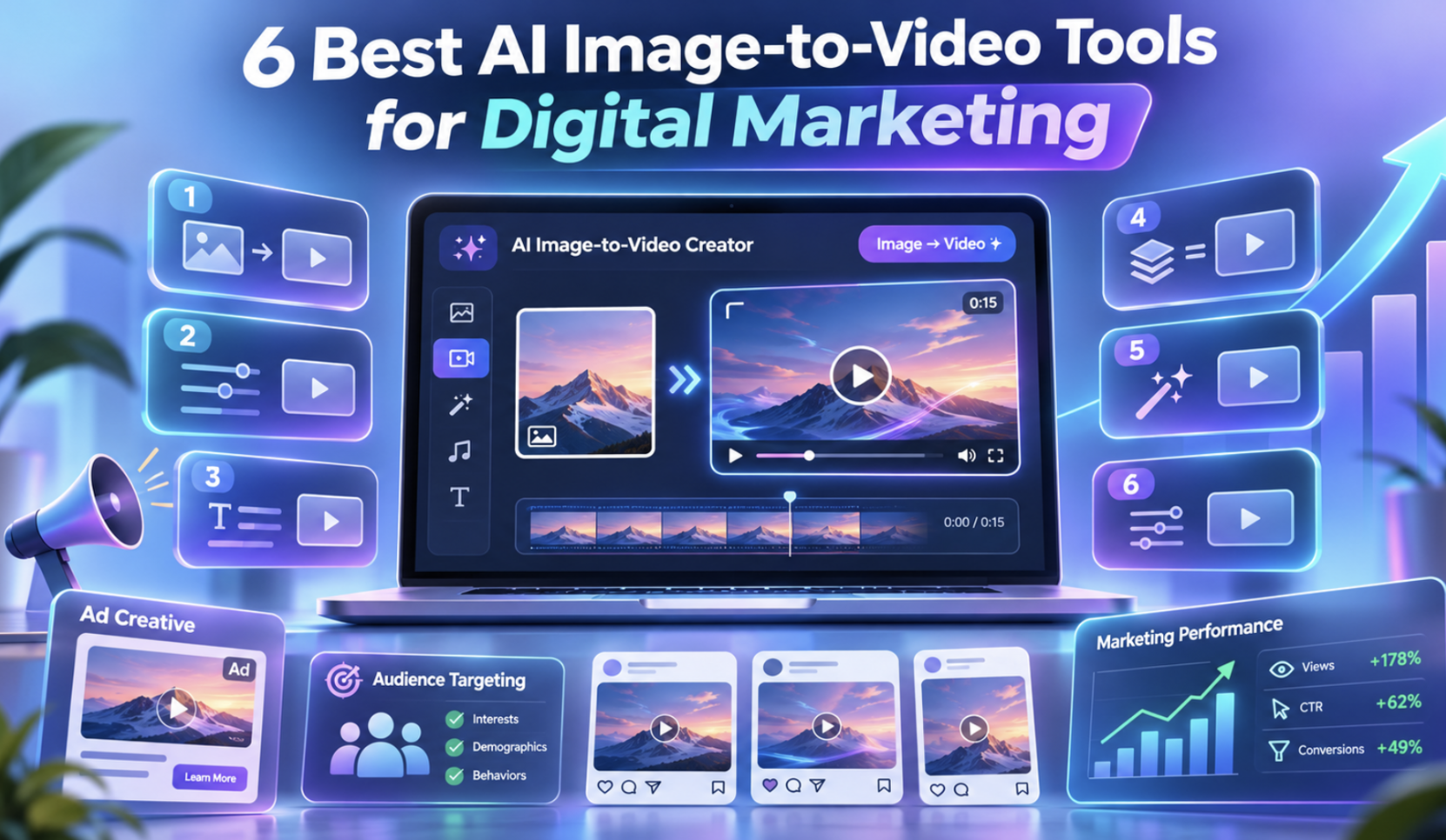
6 Best AI Image-to-Video Tools for Digital Marketing
Digital marketing requires fresh and engaging content to attract customers. Businesses need videos for social media, product promotions, websites, and advertising campaigns. However, creating videos regularly can be expensive and time-consuming.
AI image-to-video tools help businesses turn existing photographs into moving videos without starting from scratch. They can animate product images, add camera movement, and create short promotional clips from static visuals.
Here are six AI image-to-video tools that can help businesses create marketing content more easily.
Quick Comparison of the Best AI Image-to-Video Tools
| Tool | Best for | Key strength |
| Invideo | Product videos and marketing campaigns | AI models, MCP integration, and editing |
| Adobe Firefly | Branded marketing content | Camera controls and Adobe integration |
| Canva | Small-business marketing | Simple photo animation and templates |
| Pika | Social media promotions | Creative effects and animation |
| Luma Dream Machine | Cinematic marketing videos | Scene creation and visual storytelling |
| Kapwing | Quick marketing videos | Image animation and browser-based editing |
1. Invideo: Best for AI-Powered Marketing Video Creation
Invideo helps businesses turn product photos, brand images, and other visuals into engaging marketing videos. Its image to Video tool lets users upload a JPG, PNG, or WEBP image, describe the movement they want, and generate a video using AI models available within the platform.
Users can add camera movements such as zooming and panning, animate product shots, or create short clips for advertisements. Invideo agent also remembers product details, brand colors, and character references across multiple clips, helping businesses maintain a consistent appearance throughout their videos.
Another useful feature is its MCP integration. Users can connect supported AI assistants, including ChatGPT and Claude, to invideo and describe how they want an image animated or a video edited. This allows marketers to manage video creation through natural-language instructions.
Invideo also includes storyboarding, scriptwriting, a multitrack timeline editor, and real-time collaboration. Businesses can create product advertisements, animated B-roll, and promotional videos for Instagram, TikTok, and YouTube without moving between several editing tools.
Key features:
- Image animation with motion prompts and multiple AI models.
- Reference-to-video for consistent products and characters.
- MCP support for creating and editing videos through AI assistants.
- AI agents, storyboarding, and multitrack timeline editing.
- Real-time collaboration and platform-specific exports.
Best for: Ecommerce businesses, digital marketers, and teams creating branded video campaigns.
Limitations: AI video generation requires usage credits, while the timeline editor can be used for free. Generated clips may need a final review for product accuracy.
2. Adobe Firefly: Best for Branded Marketing Content
Adobe Firefly helps businesses turn product photographs, illustrations, and branded visuals into animated video clips. Its image-to-video generator allows users to add movement while controlling how the camera moves through a scene.
Users can upload an image, describe the movement they want, and adjust settings such as camera direction and aspect ratio. Firefly also supports opening and ending frames to help guide the animation.
The platform works well for businesses already using Adobe creative applications. Generated clips can be added to larger advertising projects and refined with professional editing tools.
Businesses exploring this approach can also learn more about how AI video creation is changing digital marketing for small businesses and its role in everyday marketing campaigns.
Key features:
- Image-to-video generation with text prompts.
- Camera movement and frame controls.
- Different video settings and aspect ratios.
- Integration with Adobe creative applications.
Best for: Design teams, advertising agencies, and businesses creating branded promotional videos.
Limitations: Some generation features require paid credits, and longer projects may need additional editing.
3. Canva: Best for Small-Business Social Media Videos
Canva offers an easy way to turn photographs and static graphics into short animated videos. Its Image to Video feature is useful for businesses that want to create promotional content without learning advanced editing software.
Users can upload a photo or choose an existing image in Canva. They can select Smart mode for automatic animation or Custom mode to describe how the image should move.
The generated clip can then be edited with text, music, brand colors, and other design elements. This makes Canva useful for product announcements, social media posts, and simple promotional videos.
Key features:
- AI image animation with Smart and Custom modes.
- Short video clips from existing photographs.
- Templates, text, music, and branding tools.
- Editing and sharing within Canva.
Best for: Small businesses, social media managers, and beginners creating simple marketing videos.
Limitations: Its dedicated Image to Video feature generates short, fixed-length clips and provides limited control over complex movements.
4. Pika: Best for Creative Social Media Promotions
Pika is an AI video platform that helps marketers create animated content with creative visual effects. It is particularly useful for businesses that want their social media posts to stand out.
Users can start with an image and describe the animation or transformation they want. Pika provides AI video generation and creative effects that can turn ordinary photos into playful promotional clips.
Businesses can create product teasers, animated announcements, and short videos for social media campaigns. Its creative tools are useful for experimenting with different visual styles.
As AI tools become part of content production, businesses can also explore how AI agents are transforming video editing and content creation to understand their role in modern marketing workflows.
Key features:
- AI video generation from images.
- Creative animation and transformation effects.
- Product advertising tools.
- Video editing and extension options.
Best for: Social media teams, content creators, and brands producing short promotional videos.
Limitations: Some effects may not suit formal brand campaigns, and complex animations can require multiple attempts.
5. Luma Dream Machine: Best for Cinematic Marketing Videos
Luma Dream Machine helps businesses create cinematic videos from images and creative ideas. Its AI video tools support detailed movement and scene development, making it useful for visual storytelling.
Users can upload reference images, describe the movement, and generate video clips. They can refine the results and develop different scenes for advertising campaigns.
Marketing teams can create product introductions, travel promotions, lifestyle videos, and brand storytelling content. The platform also provides creative workflows for organizing and developing video projects.
Key features:
- AI video generation from images.
- Cinematic camera movements.
- Reference-based scene development.
- Creative planning and refinement tools.
Best for: Creative agencies, travel businesses, and brands producing visually rich advertisements.
Limitations: Complex scenes may require repeated generation, and longer projects can increase production costs.
6. Kapwing: Best for Quick Marketing Videos From Images
Kapwing is a browser-based video platform that helps businesses turn product images, photographs, and illustrations into animated clips. It combines AI video generation with editing tools, allowing marketers to create promotional content in one workspace.
Users can upload an image, describe the motion they want, and generate a video. They can then add captions, background music, text, logos, and other branded elements using Kapwing’s editor.
The platform is useful for creating product demonstrations, social media advertisements, and short promotional videos. It also supports different aspect ratios, making it easier to prepare content for multiple platforms.
Key features:
- AI image-to-video generation.
- Motion prompts and visual reference options.
- Captions, music, and branded overlays.
- Browser-based editing and video resizing.
Best for: Small businesses and marketing teams creating quick promotional videos.
Limitations: Advanced AI generation and some export features may require a paid subscription.
How to Choose the Right AI Image-to-Video Tool
Choosing the right tool depends on your marketing goals and the content you want to create.
Businesses producing product advertisements should look for tools that maintain consistent product details across scenes. Social media teams may prefer platforms with creative effects, templates, and simple editing options.
For larger campaigns, features such as storyboarding, AI editing, and team collaboration can help manage the production process. It is also important to compare generation credits, video quality, commercial usage terms, and export options.
Conclusion
AI image-to-video tools help businesses create marketing videos from photographs and existing visual content. They can support product promotions, social media campaigns, and brand storytelling without requiring a new video shoot for every project.
Each platform offers different strengths. The right choice depends on your marketing needs, available budget, and the amount of control you want over the final video.
Frequently Asked Questions
1. What is an AI image-to-video tool?
An AI image-to-video tool turns a still image into a moving video using artificial intelligence. Users upload a photograph and describe the movement they want, such as camera zooming, panning, or subject animation.
2. Can AI image-to-video tools create marketing videos?
Yes. Businesses can turn product photographs, branded graphics, and other visuals into promotional videos for social media, websites, and advertising campaigns.
3. Which AI image-to-video tool is suitable for small businesses?
Invideo is a useful option for businesses that want image animation, AI editing, and support for creating multiple connected clips. Canva is another option for businesses that need simple animated social media content.
4. Can AI-generated videos be used for commercial marketing?
Many AI video platforms support commercial use, but the conditions depend on the platform and subscription plan. Businesses should check the licensing terms and make sure they have permission to use their source images and branding materials.